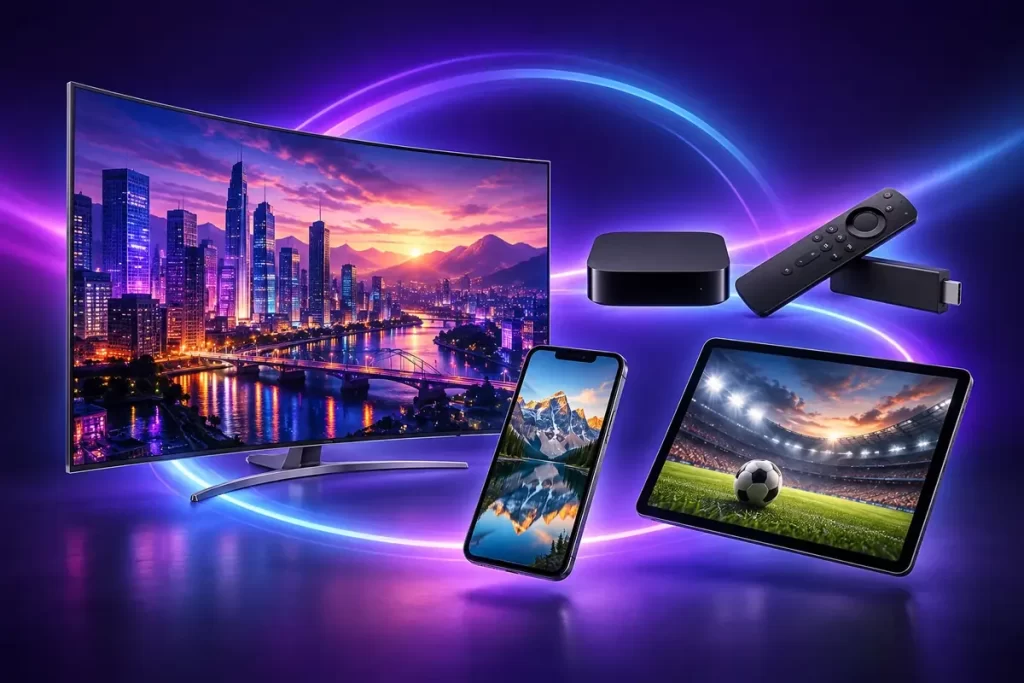
Your Smart TV model matters
For a Smart TV IPTV subscription, start with brand, model and software version. Samsung, LG, Android TV and Apple TV are different environments. Check player availability in the store or documentation for your actual device.
Three elements to prepare
Prepare a connected device, a suitable player and settings for an authorised service. Player and subscription have different roles. If an application needs a licence, check price and term before activation; the licence alone does not provide a content list.
From plan selection to the guide
Choose a duration, then consult your device guide. If unsure, include the exact model and player name in your WhatsApp conversation. This helps distinguish setup, licence and service issues.